Clearer surface boundaries
Distinct fills and dividers keep sidebar groups, the Bots roster, session lists, task drawers and logs from blending into one large panel.
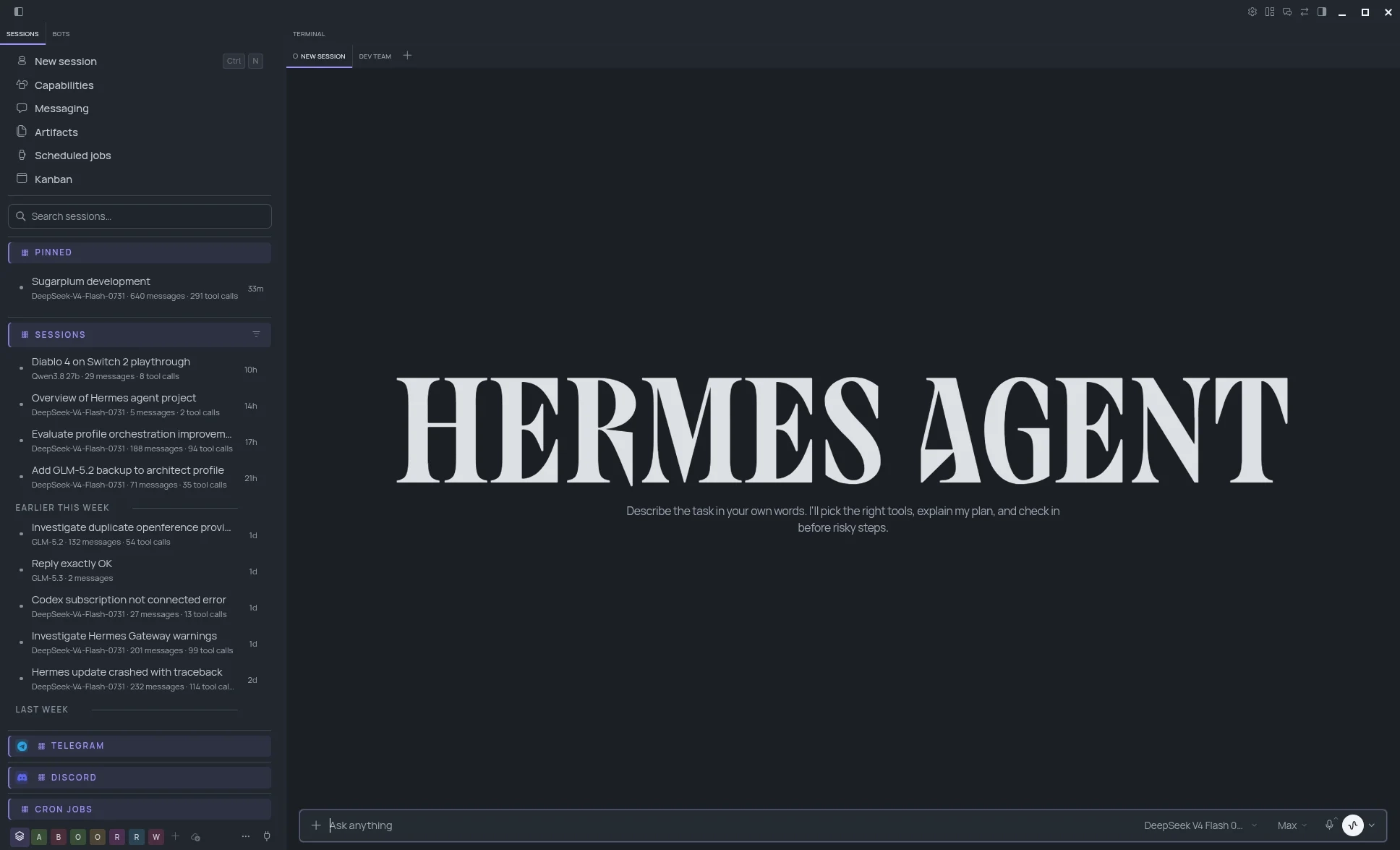
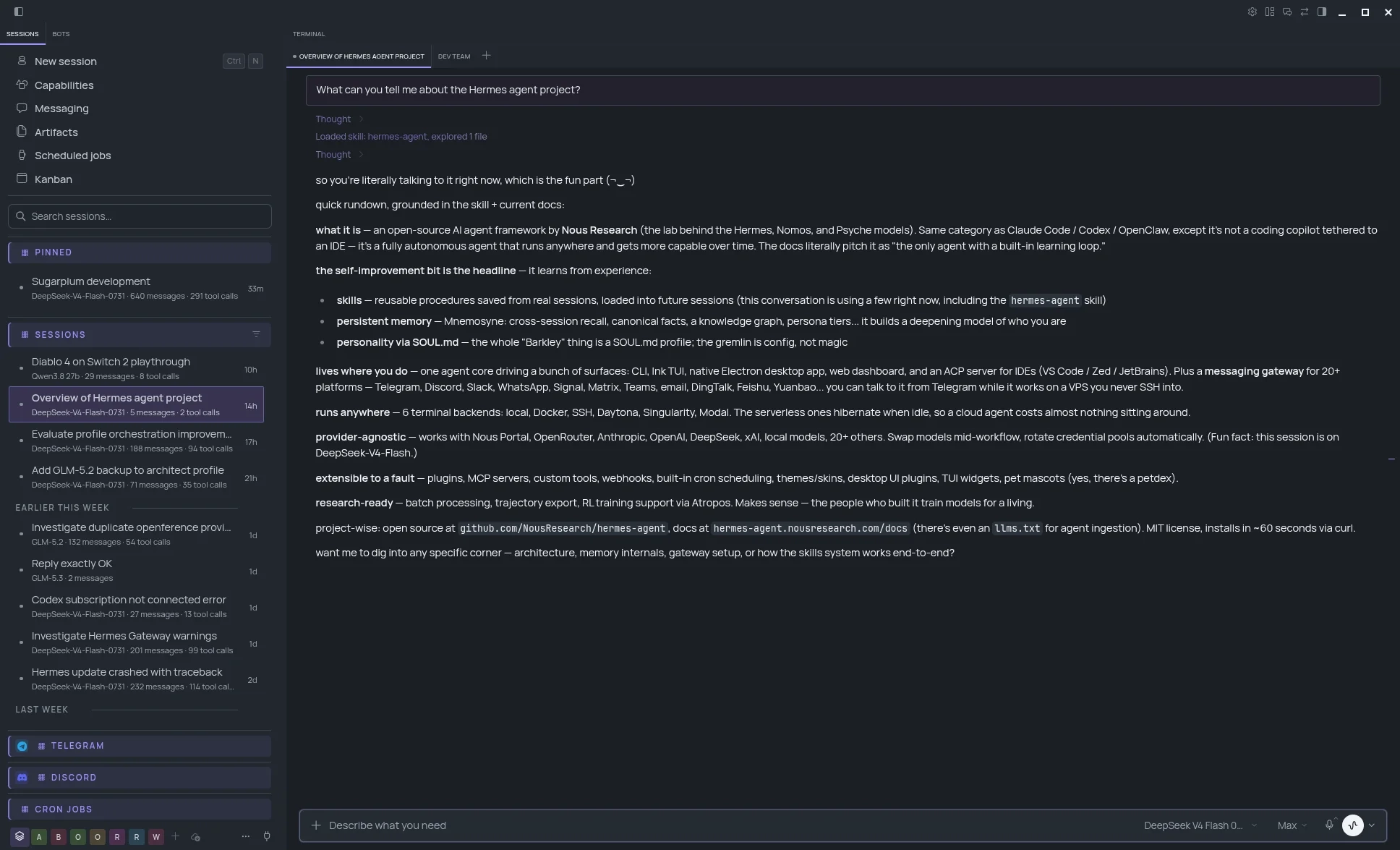
Lumen gives Hermes Desktop a clearer visual hierarchy for the surfaces you use every day: sessions, Bots, Kanban queues, logs and task drawers.
Independently tuned light and dark palettes, a matching terminal ANSI set and focused clarity fixes keep those surfaces readable without changing Hermes’ workflows.
hermes plugins install jrpbuilds/hermes-lumen-theme
THE CLARITY LAYER
Hermes already brings sessions, Bots, Kanban, logs and controls into one useful workspace. Lumen increases the contrast between those surfaces so active work is easier to scan.
The changes stay scoped to Lumen. Hermes keeps its native theme structure, workflows and behaviour; switching away removes the overrides.
Distinct fills and dividers keep sidebar groups, the Bots roster, session lists, task drawers and logs from blending into one large panel.
Manrope, an 18px root scale and stronger text contrast make long sessions easier to scan without changing Hermes’ layout.
Search, inputs, selects and textareas share consistent borders and focus rings. Sidebar and Bots search areas make their active state clear.
Both palettes and the terminal ANSI colours are tuned separately, then switched through Hermes’ system appearance setting.
DENSE WITHOUT FEELING MUDDY
The Bots roster, Kanban board, task drawer and worker log carry a lot of context in a small space. Lumen gives each surface clearer boundaries without changing how Hermes works.
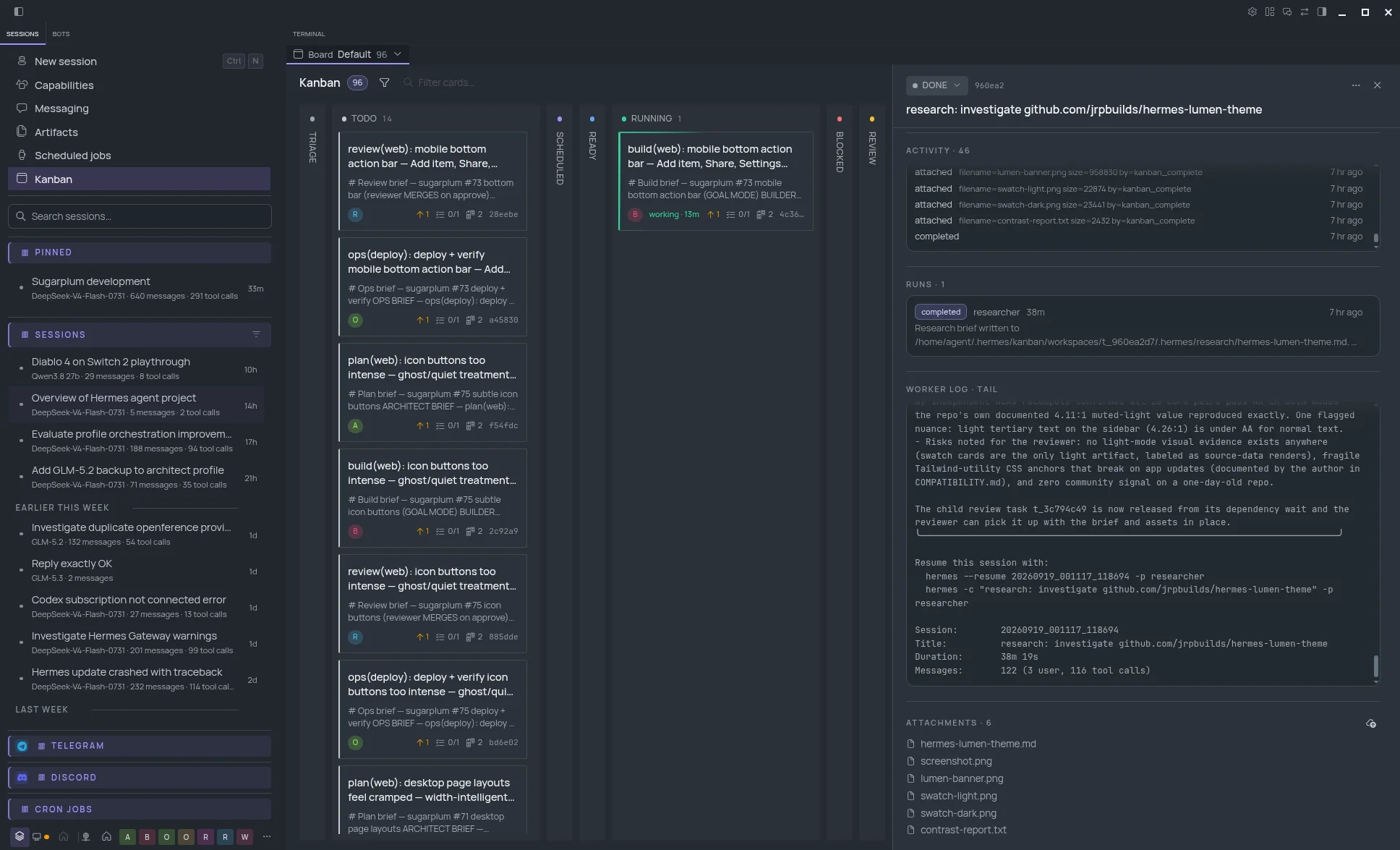
Navigation stays flat. Pinned, Sessions, Telegram, Discord and Cron get just enough structure to scan independently.
The Kanban task drawer is wider, sections are divided, and nested scroll regions are treated as real surfaces rather than invisible boxes.
Activity, Runs and Worker Log use subtle inset wells, restrained borders and cleaner scrollbars so their boundaries are immediately legible.
FOLLOW THE DESKTOP
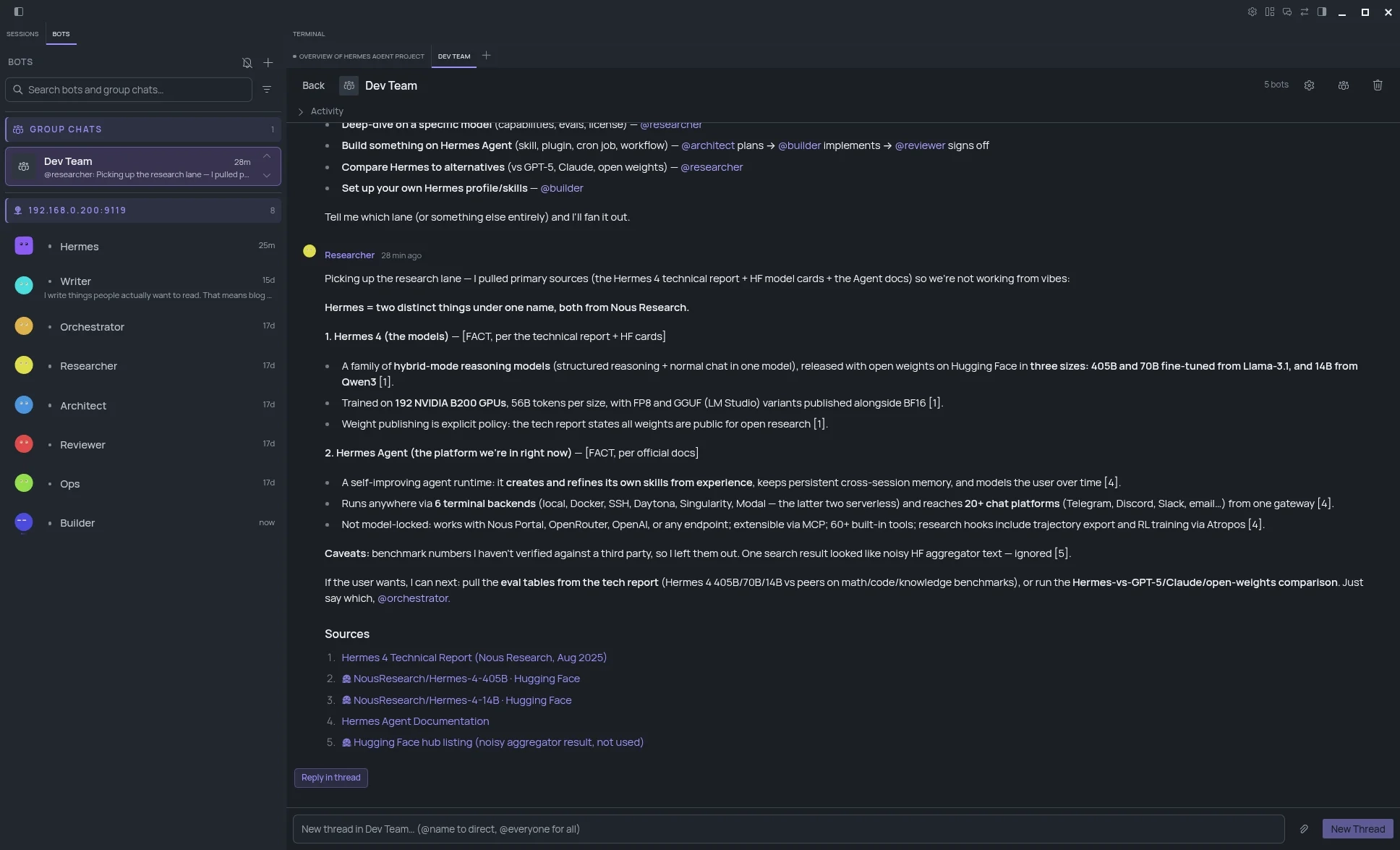
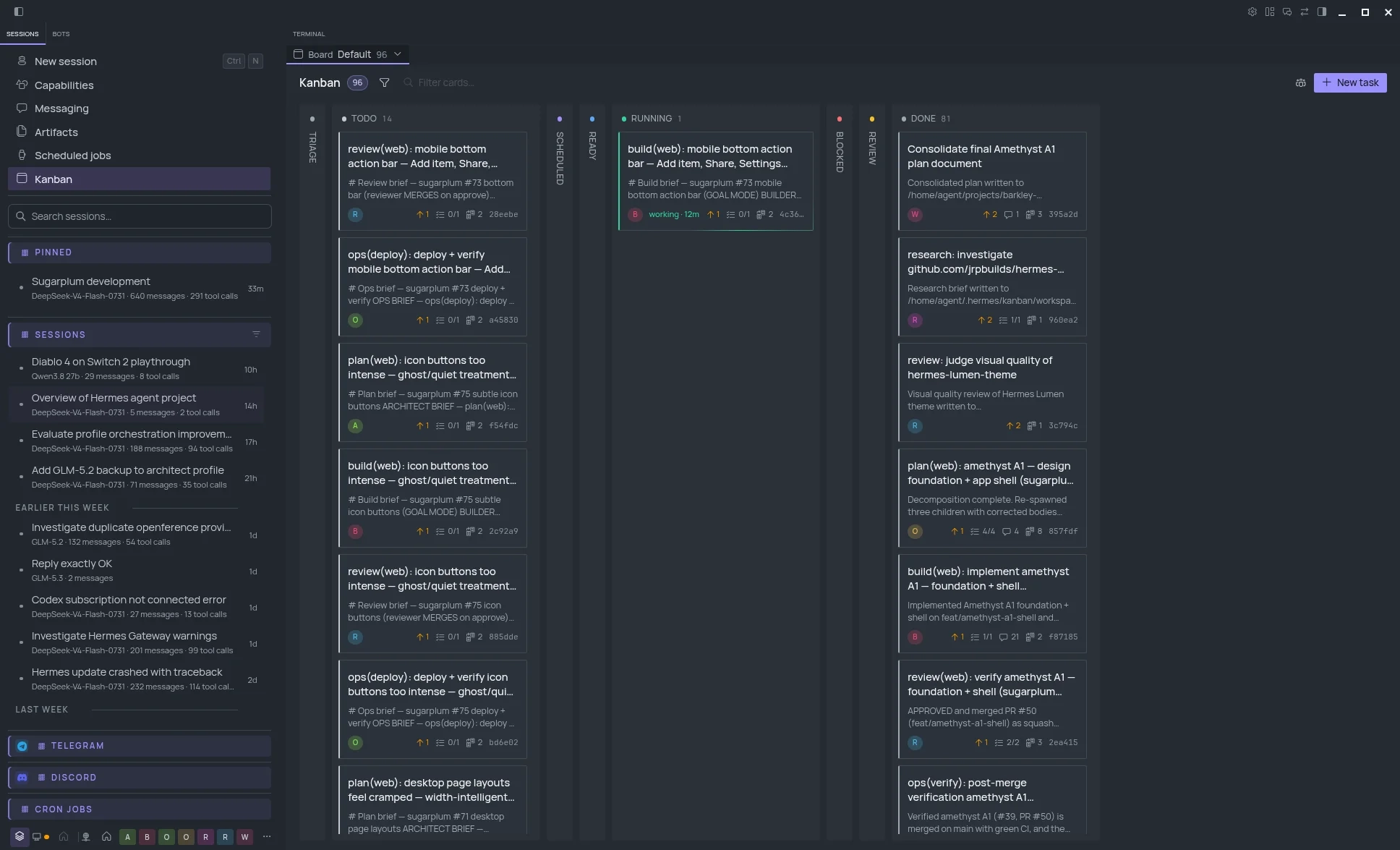
Lumen registers one Hermes theme with independently tuned light and dark palettes. The same hierarchy carries across sessions, Bots and Kanban in both modes; the system appearance switcher handles the change.
SMALL CHANGES, REPEATED CONSISTENTLY
Hermes’ native theme system already gives the app its structure, typography and terminal palette. Lumen works with that foundation, tuning sizing, separation, controls and the dense surfaces around it, including the Bots roster.
A small behaviour layer covers the few things CSS cannot, such as making the whole sidebar search area focus the input. Everything else stays declarative, scoped and easy to remove.
Light and dark palettes are tuned independently, including a matching ANSI palette for the integrated terminal.
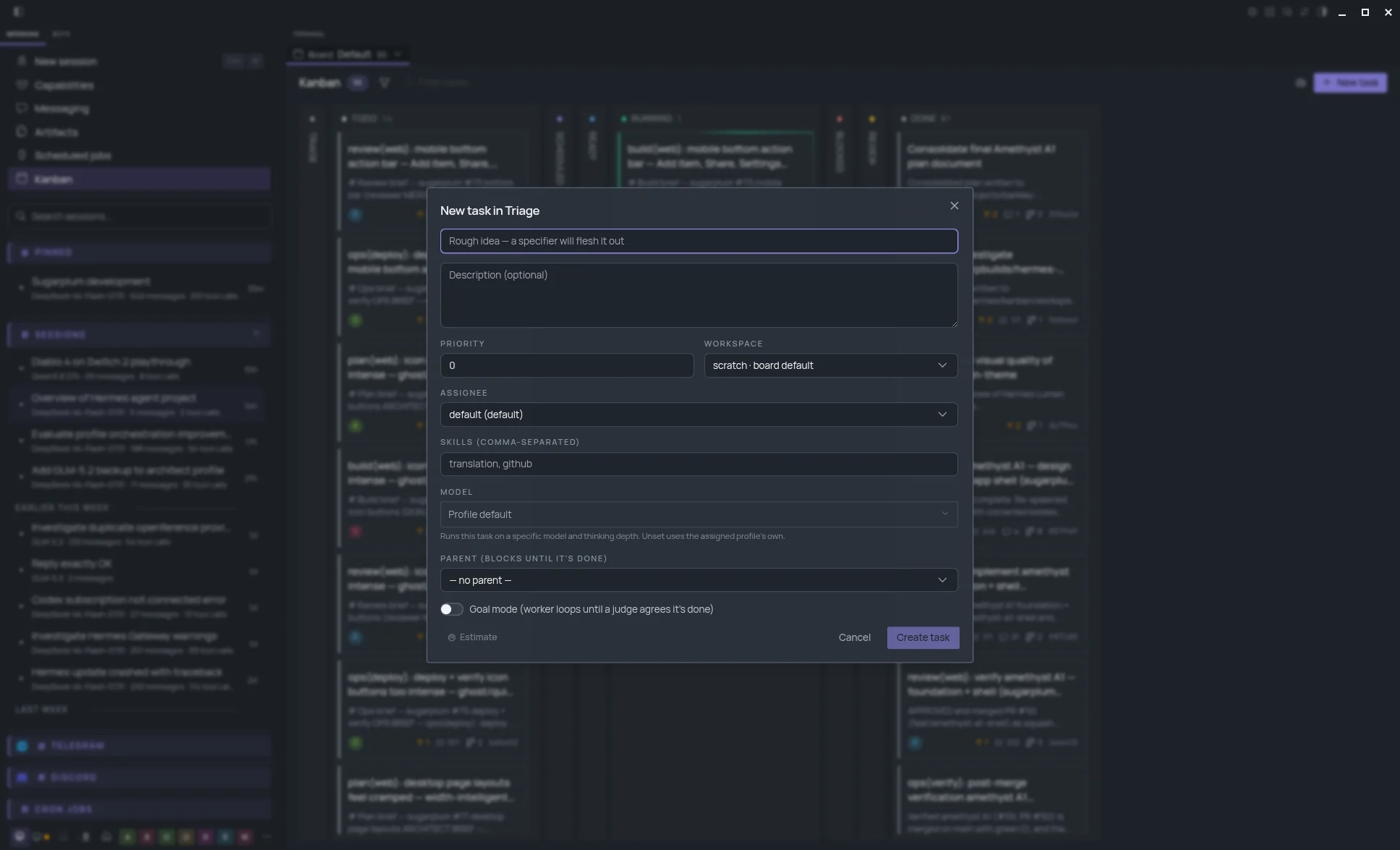
Manrope, an 18px root scale, stronger field borders and accent focus rings make dense controls easier to scan.
Both panes use clearer group headers, matching search treatment and visible row selection states, so moving between them feels deliberate.
The task drawer gets more room when the viewport allows, with padded scroll areas and readable status lozenges.
Dropdowns match their trigger width and wrap long choices instead of stretching across the interface.
A bundled Lumen layout gives sessions, terminal, workspace, files and review a useful starting arrangement.
BUILT TO STAY OUT OF THE WAY
Hermes’ native theme contribution handles the palettes, typography and terminal ANSI colours; Lumen registers its own tuned values there.
Lumen’s visual overrides live under its own selector. Switch away and Hermes returns to its normal presentation.
A few small fixes cover the things a palette cannot, including the search hit area, standard selects and the workspace preset.
The current source is tested against the latest Hermes Desktop version. The compatibility notes document the CSS seams and the checks to repeat as Hermes evolves, including the Bots sidebar anchors.
The Hermes team has built a thoughtful desktop app for sessions, queues and tools. Lumen keeps that product intact and gives the workspace a calmer, more legible visual treatment.